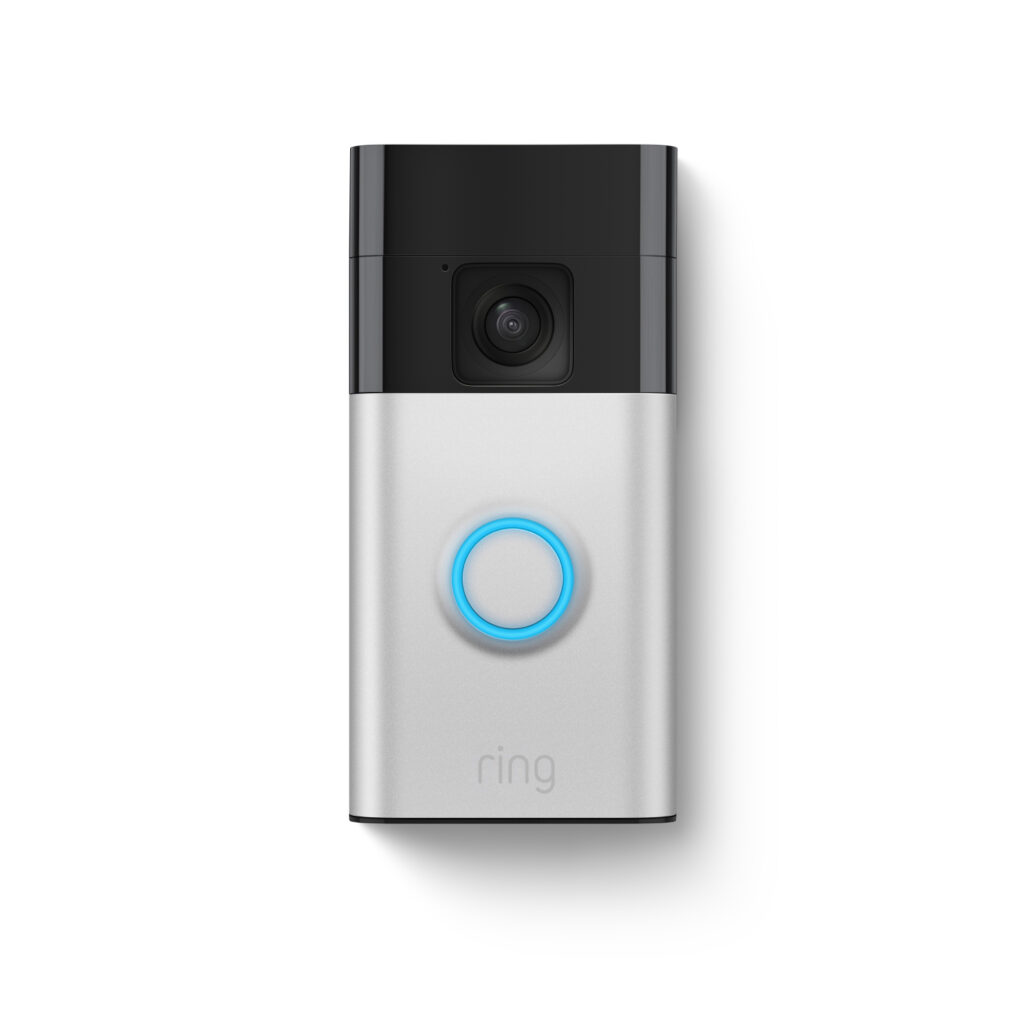
Is the Ring Video Doorbell (2nd Gen, Wired) Worth It for Seniors?
For seniors who live independently but want an additional layer of security, the Ring Video Doorbell (2nd Gen, Wired) can be a valuable tool. It allows for remote monitoring of who is at the door, which can be crucial for those who may have difficulty getting up quickly or have limited mobility. Our bottom-line recommendation is that this doorbell is a solid choice for seniors who want an affordable, reliable way to see and speak with visitors without needing to go to the door.
Seniors often face unique challenges when it comes to home security. The ability to see and communicate with someone at the door without opening it can prevent unwanted encounters and reduce anxiety. While traditional security systems can be expensive and complex, the Ring Video Doorbell offers a straightforward solution. Its price point of $99 makes it accessible, and it doesn’t require a costly subscription to function effectively. This product is particularly useful for those who may not need or want a full-fledged security system but still wish to have some control over home access.
Who This Is For (and Who It’s Not For)
This doorbell is ideal for seniors who live alone or with a partner and want to maintain a sense of security without complexity. It is also suitable for those who have family members or caregivers who can help with setup and occasional maintenance. If the senior is comfortable using a smartphone or tablet, they can also easily access and control the doorbell through the Ring app.
Seniors who may have cognitive difficulties or aren’t comfortable using a smartphone might find this product challenging to manage. If your parent already has a comprehensive home security system with a video doorbell feature, this may not be necessary. For those looking for a completely wireless option, consider the Ring Video Doorbell 4, which offers battery-powered convenience.
Why This Beats the Alternatives
The Ring Video Doorbell (2nd Gen, Wired) stands out due to its affordability and ease of use. Compared to alternatives like Nest Hello, which often require more expensive installation and subscriptions, the Ring provides quality at a lower price. Additionally, its integration with Alexa allows for simple voice commands, which can be a significant plus for seniors who use smart home devices.
Another advantage is its straightforward wired installation, which ensures consistent power without the need for battery replacement. This feature makes it more reliable for seniors who might not want to manage battery charging or replacements. Competitors like the Arlo Video Doorbell offer similar features but at a higher cost, both initially and in terms of subscription fees.
Key Features That Matter for Seniors
Reliable Video Quality: The doorbell offers 1080p HD video, which means clear images that can help in identifying visitors. This clarity is important for seniors who may have visual impairments and need a clear view of who is at their door.
Two-Way Audio: This feature allows seniors to hear and speak to visitors without opening the door. It’s especially helpful for those with mobility issues, providing them the ability to give instructions or inform visitors if they need a moment to reach the door.
Motion Detection Alerts: Customizable motion zones mean that seniors can tailor alerts to their specific needs, reducing unnecessary notifications. This can be particularly useful to avoid disturbances from street traffic or neighbors.
Integration with Smart Devices: Works with Alexa, allowing seniors to view and communicate with visitors via an Echo Show or Fire TV. This integration can make operation easier for those already using Amazon’s ecosystem.
Night Vision: Infrared night vision ensures visibility during nighttime, which is crucial for seniors who may not feel comfortable answering the door after dark.
Setup: What to Expect
The physical setup of the Ring Video Doorbell (2nd Gen, Wired) typically takes about an hour. It involves mounting the doorbell in the desired location and connecting it to the existing doorbell wiring. Basic tools are required, and a caregiver or handyman might be needed if the senior is not comfortable handling such tasks.
After the physical installation, the setup involves downloading the Ring app and creating an account. The app will guide you through connecting the doorbell to Wi-Fi and configuring settings like motion detection zones. It’s recommended to test the doorbell by having someone ring it while you verify the video and audio quality through the app. This ensures everything is working correctly before relying on it full-time.
What to Know Before Buying
While the doorbell itself does not require a subscription, accessing recorded footage and advanced features like person detection is part of the Ring Protect Plan, which is an optional monthly subscription. It’s not necessary for basic functionality, but consider it if you want to keep video recordings.
Ensure your home’s Wi-Fi signal is strong at the installation point, as weak connectivity can affect performance. The doorbell requires existing doorbell wiring for power, so compatibility should be checked before purchase. Replacement parts like faceplates are available but will incur additional costs if needed.