The $15,000 Problem a $13 Sensor Could Have Prevented
Janet, 74, went to visit her sister for a long weekend. While she was away, the supply line to her washing machine developed a small crack. Water trickled onto the laundry room floor for three days. By the time Janet came home, the water had soaked through the subfloor, warped the hardwood in the hallway, and seeped into the basement ceiling. The insurance claim came to $15,200. The supply line that failed cost $8 to replace.
Janet’s son bought her a three-pack of Govee water sensors the following week. One went under the washing machine, one under the water heater, and one under the kitchen sink. Two months later, the kitchen sensor triggered. A slow drip from the garbage disposal fitting had pooled just enough water to touch the sensor. Janet’s phone buzzed, her son’s phone buzzed, and she caught the leak before it damaged anything. A plumber tightened the fitting in ten minutes.
Water damage is one of the most expensive and disruptive problems a homeowner faces, and for seniors living alone, a leak can go unnoticed for hours or days. These sensors cost about $13 each and can prevent catastrophic damage.
Who This Is For (and Who It’s Not For)
These sensors are for any senior living in a home with a water heater, washing machine, dishwasher, or aging plumbing. That covers nearly everyone. They are especially important for seniors who travel, who live alone, or whose daily routine does not take them near the laundry room or utility closet. The phone alerts mean a caregiver or family member can be notified even if the senior is asleep, away, or unable to respond.
These sensors detect water and alert you. They do not shut off the water supply. If your parent needs an automatic shutoff system that stops the flow when a leak is detected, look at products like the Flo by Moen or the Phyn Plus, which cost $300 to $500 and connect to the main water line. For most households, the alert-only approach is sufficient because the goal is catching leaks early, not stopping them automatically.
Why This Product
Water leak sensors come in two categories: hub-based systems from companies like Samsung SmartThings, and standalone WiFi sensors that connect directly to your router. For seniors, standalone is almost always the better choice. There is no extra hardware to buy, no hub to configure, and no complicated smart home ecosystem to maintain. The Govee sensors connect to your WiFi network and send alerts through the Govee app. That is it.
At $40 for three sensors, the Govee pack is the best value in the standalone category. Competitors like the YoLink water sensor ($20 each but requires a $25 hub) and the Eve Water Guard ($50 each, Apple HomeKit only) cost more when you factor in total system price. The Govee sensors also include a loud local alarm, which many competitors lack. If your parent is home and the sensor goes off, they will hear it.
Key Features That Matter for Seniors
Instant Phone Alerts: The moment the sensor’s probes detect moisture, it sends a push notification to every phone connected to the Govee account. The alert includes which sensor triggered (you name them during setup, like “Kitchen Sink” or “Water Heater”), so you know immediately where the problem is. These alerts work from anywhere with an internet connection.
100dB Local Alarm: In addition to the phone alert, the sensor itself produces a very loud alarm. This is important for seniors who might not check their phone immediately. The alarm continues until the sensor is removed from the water or manually silenced. Even with moderate hearing loss, 100 decibels is hard to miss from the next room.
No Hub Required: Each sensor connects directly to your WiFi router. There is no bridge, hub, or gateway to buy or maintain. One less device means one less point of failure. If you are setting up sensors for a parent who lives far away, simplicity matters.
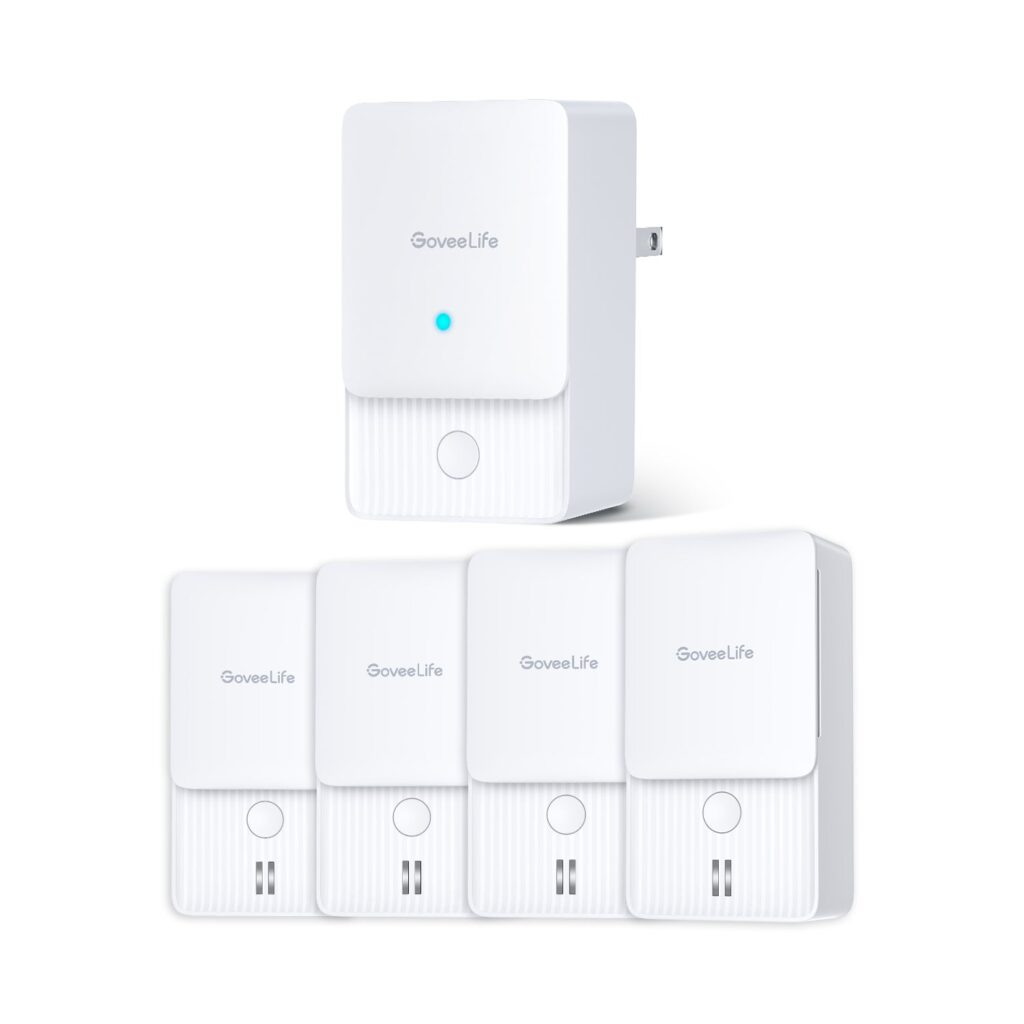
Small Flat Design: Each sensor is about the size of a large cookie and only half an inch tall. It slides easily under a washing machine, behind a toilet, or into the back of a cabinet under the sink. The flat profile means it can detect water pooling in tight spaces where you cannot normally see.
Battery-Powered Placement Flexibility: Because the sensors run on AAA batteries, you can put them anywhere. There are no power cords to route and no outlets to occupy. Under the water heater in a dark utility closet, behind the refrigerator where ice maker lines sometimes leak, in the basement near the sump pump. Anywhere water might appear, the sensor can go.
Setup: What to Expect
Setup takes about 10 minutes for all three sensors. Download the Govee app, create an account, and add each sensor one at a time. The app walks you through pressing the button on the sensor to put it in pairing mode, then connecting it to your WiFi network. You will need the 2.4GHz network name and password. Most home routers broadcast both 2.4GHz and 5GHz. If you are unsure which is which, the 2.4GHz network often has no suffix or says “2.4” in the name.
After pairing, name each sensor based on its location. “Kitchen Sink,” “Water Heater,” and “Washing Machine” are clear, obvious names that make alerts useful rather than confusing. Then place each sensor flat on the floor in its designated spot, probes facing down. The metal probes on the bottom are what detect water, so they need to be in contact with the floor surface.
To share alerts with family members, each person installs the Govee app and logs into the same account, or you can use the app’s device sharing feature. An adult child can set up all three sensors during a single visit and then monitor alerts from their own home going forward.
What to Know Before Buying
The sensors require a 2.4GHz WiFi network. Many modern routers combine 2.4GHz and 5GHz into a single network name, which usually works fine. But some routers keep them separate, and the sensors will not connect to a 5GHz-only network. Check your parent’s router settings before your setup visit to avoid frustration.
Battery life is approximately six months, though it varies based on how often the sensor checks in with the WiFi network. The app sends a notification when battery levels are low, giving you time to replace them before the sensor goes offline. Keep a pack of AAA batteries at your parent’s house. If you visit every few months, checking the batteries can be part of your routine.
These sensors detect water that has already reached the floor. They will not catch a slow drip inside a wall or a pipe that is sweating with condensation. For most household leaks, the water reaches the floor relatively quickly, so the sensors provide early enough warning to prevent major damage. But they are not a substitute for regular plumbing inspections, especially in older homes with galvanized or copper pipes that may be nearing the end of their lifespan.