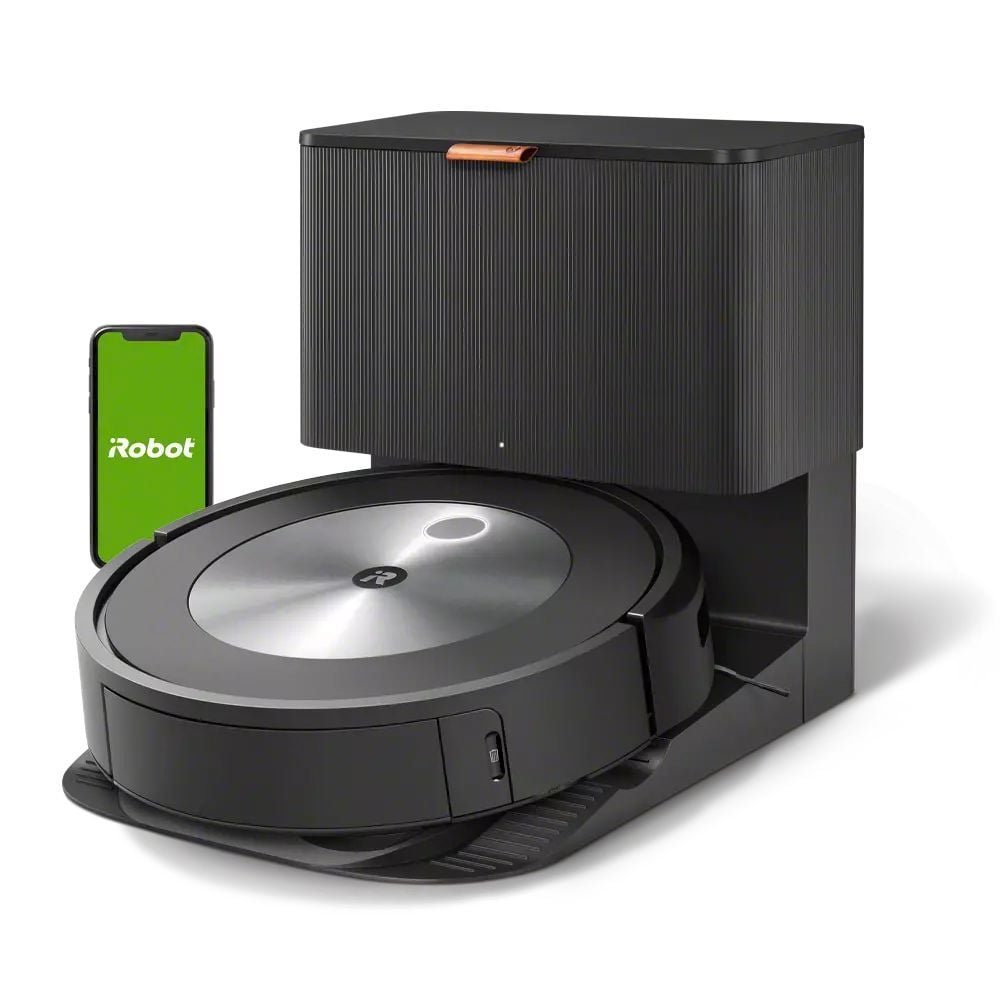
Clean Floors Without the Work or the Risk
For most of us, vacuuming is just a chore. For seniors, it can be a genuine safety hazard. Pushing a full-size vacuum across carpet takes core strength and balance. Bending over to pick up the cord is a fall risk. And the biggest danger is not the vacuuming itself. It is what happens when floors go uncleaned. Crumbs, pet hair, small objects, and debris on hard floors become slip hazards. A single sock left on the hardwood can send someone to the emergency room.
The iRobot Roomba j7+ does two things that matter for aging adults. First, it keeps floors clean without anyone lifting a finger. Second, and just as important, its obstacle avoidance technology actively identifies and avoids items on the floor that could be trip hazards, giving you a visual map of what it found so you can address it.
Who This Is For
The Roomba j7+ is ideal for seniors who can no longer comfortably push a traditional vacuum, especially those with arthritis, back problems, balance issues, or chronic pain. It is also a smart purchase for adult children who worry about their parent’s floor safety. If your mom has a dog that sheds or your dad tends to leave things on the floor, this robot handles both the cleaning and the hazard detection.
It works best in homes with mostly hard floors or low-to-medium pile carpet. If your parent’s home has thick shag carpet throughout, a robot vacuum will struggle. For the mix of hardwood, tile, and area rugs common in most homes, it handles the job well.
Why the Roomba j7+ Over Other Robot Vacuums
There are cheaper robot vacuums available. Some are quite good at basic cleaning. But the j7+ has one feature that no budget model can match: PrecisionVision obstacle avoidance. The front-facing camera identifies objects on the floor and navigates around them instead of pushing them around or getting stuck.
This matters more than you might think. A standard robot vacuum will run over a charging cable, wrap it around its brushes, and drag your lamp across the room. It will push pet waste across the entire floor before getting stuck. It will get tangled in socks, shoelaces, and bath mats. The j7+ recognizes these objects and avoids them. It even sends you a photo of what it found so you can pick it up later.
The self-emptying Clean Base is the other feature that makes this model worth the premium. Basic robot vacuums have a small dustbin that needs to be emptied after every run or two. For a senior with mobility issues, bending over to remove, empty, and replace a tiny dustbin is awkward at best and painful at worst. The Clean Base automatically empties the robot after each cleaning into a sealed bag that lasts up to 60 days. When it is full, you pull out the bag and toss it. No dust clouds, no bending over a trash can.
Features That Matter for Seniors
PrecisionVision Navigation: The front-facing camera identifies and avoids pet waste, cords, shoes, socks, and other obstacles. You get a notification with a photo when it finds something unexpected, which also serves as a gentle alert that something is on the floor that should not be.
Self-Emptying Clean Base: The robot empties itself into a sealed bag after each cleaning session. The bag holds about 60 days of debris. No bending, no dust, no maintenance between bag changes.
Smart Mapping: After a few runs, the Roomba creates a detailed map of your home. You can name rooms and tell it to clean specific areas. Say “Alexa, tell Roomba to clean the kitchen” and it goes directly there. You can also set “Keep Out Zones” in the app to prevent it from entering certain areas.
Scheduled Cleaning: Set it to run at the same time every day and forget about it. Many families set it for mid-morning when the senior is settled in a chair or out for a walk. The robot leaves its base, cleans the entire home, empties itself, and returns to charge. The whole process is completely hands-off.
Voice Control: Works with Alexa and Google Assistant. “Start vacuuming” is all it takes. No apps, no buttons, no bending down to press anything on the robot itself.
Setup: Simple With One Visit
Unbox the base station and place it against a wall with clearance on both sides. Plug it in, download the iRobot Home app, and follow the on-screen pairing instructions. The initial setup takes about 15 minutes. The robot will then do a mapping run of the home, which takes 30 to 60 minutes depending on the size of the space.
After the mapping run, you can name rooms, set schedules, and create Keep Out Zones through the app. If you are setting this up for a parent, do it during a visit and set the schedule before you leave. Once configured, they never need to touch the app. The robot runs on its own, every day, at the time you set.
What to Know Before Buying
The Roomba j7+ is a premium product with a premium price. At around $600, it costs three to four times what a basic robot vacuum costs. The difference is reliability, obstacle avoidance, and the self-emptying base. If your budget is tight, a simpler model will still keep floors cleaner than no vacuum at all. But if you can afford the j7+, the hands-off operation and safety features are worth every dollar for a senior household.
Replacement bags for the Clean Base cost about $20 for a three-pack, which lasts roughly six months. The brushes and filter should be replaced every few months and cost about $30 for a kit. These are minor ongoing costs for what amounts to a daily cleaning service.
One practical note: do a quick walkthrough of your parent’s home before the first run. Pick up any loose items on the floor, tuck away long curtains, and secure any rug edges that are curled up. The j7+ is smart, but giving it a clear starting environment makes the first mapping run smoother and the ongoing cleaning more effective.